
Your AI Assistant that works everywhere
Use TinyHelper’s powerful AI models in your browser — answer emails, analyze content, write code, and more, without leaving your site
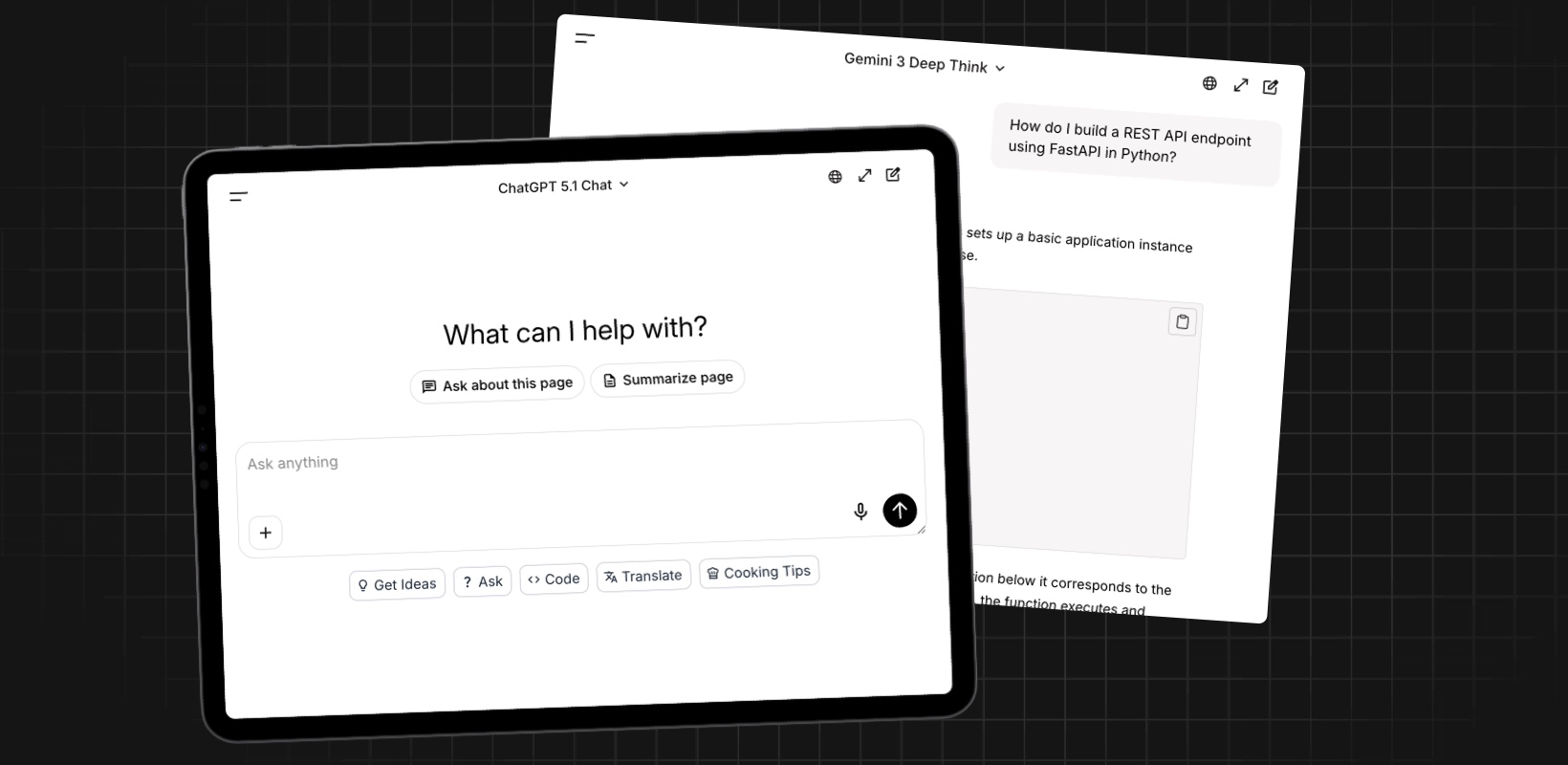
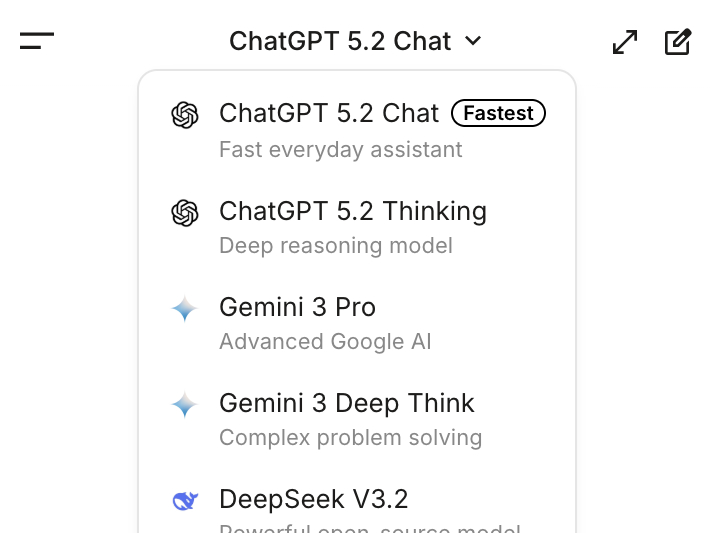
One interface for any AI models
Explore, test, and switch between LLMs without leaving your workflow
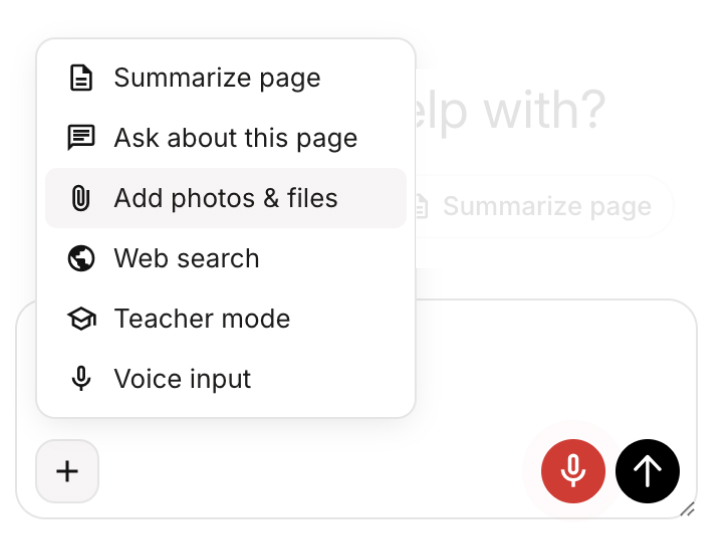
Your AI Teacher, always ready to help
Activate the AI Teacher mode to ask questions and get more than just answers.
-
Students: for quick and detailed explanations.
-
Teachers: to create personalized lessons.
-
Developers: for coding help and tech explanations.
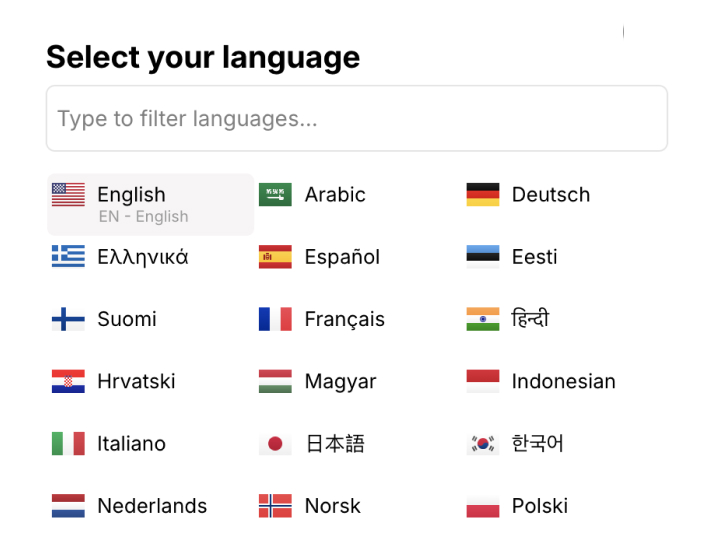
AI Translator: Contextual translations at your fingertips
With TinyHelper’s AI Translator, you can instantly ask for translations directly in the chat or on any webpage. It understands context and not only translates words but also the intended meaning, ensuring seamless communication across languages.
Page Summarization: Get the gist in a click
TinyHelper can summarize any webpage you’re viewing, giving you a clear and concise overview of the content. You immediately see the main ideas and key points without reading the full text.
Use it anywhere
TinyHelper adapts to your workflow — from studying to business and creativity.
How it works
Get started in minutes with our simple 2-step process
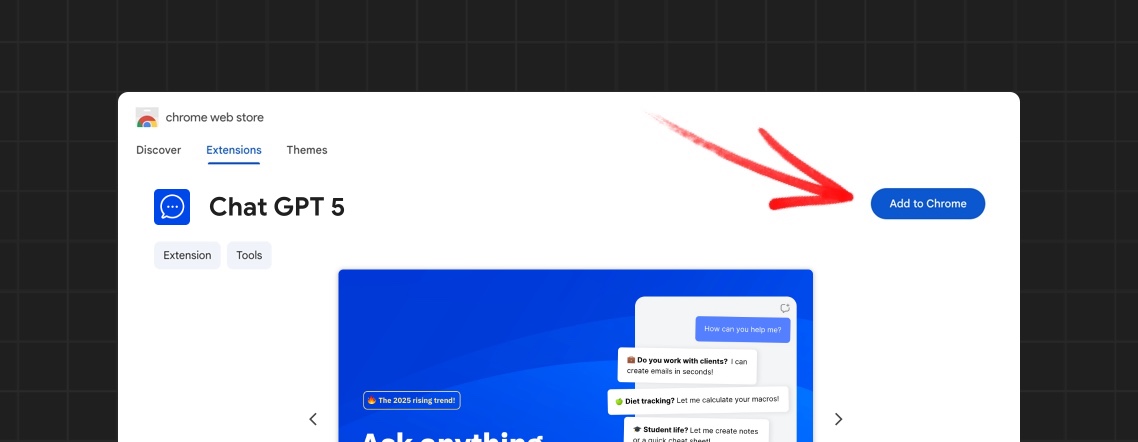
Install the extension
Add TinyHelper from the Chrome Web Store in one click. Google manually reviews every line of code — it’s 100% safe.
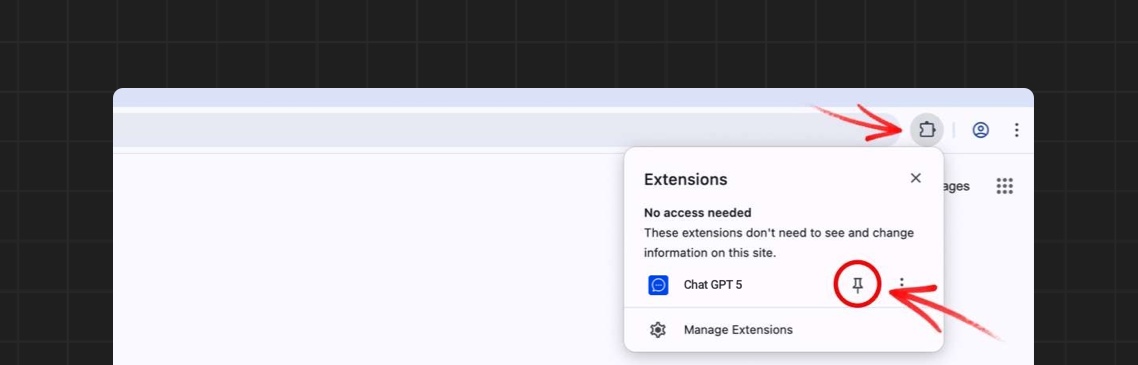
Pin the extension and start using it
Pin TinyHelper to your toolbar and open it on any page. No account or registration required — just start working.
Start now, it’s free
Access the most powerful AI models in your browser. No credit card, no limits — just start creating.